King AI
Turn text into images, edit photos with simple prompts, and make videos from ideas or reference pictures — all without switching tools.
What is King AI?
King AI is a creative platform where you can make images, edit photos, and create videos — all in one place. No need to switch between different tools.
- Create Images from TextDescribe what you want — the subject, style, mood, or scene — and King AI turns your words into a polished image.
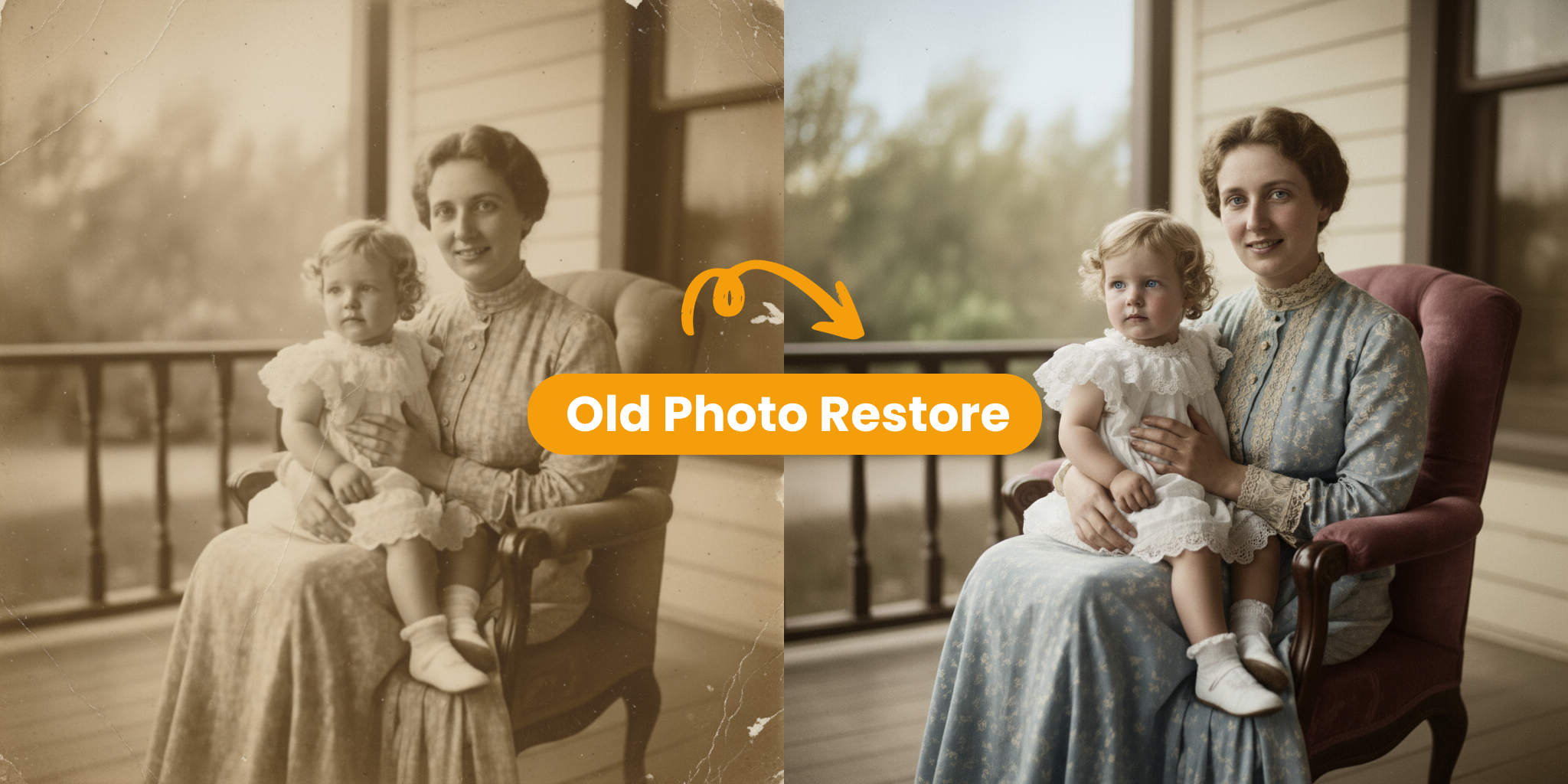
- Edit Photos with AIUpload a picture and tell King AI what to change. Adjust styles, fix backgrounds, or improve details using simple prompts.
- Generate Videos TooTurn text or a reference image into a short video. Perfect for social posts, product demos, and campaign ideas.
Why Choose King AI
Here’s why creators and teams use King AI to build visual content faster:
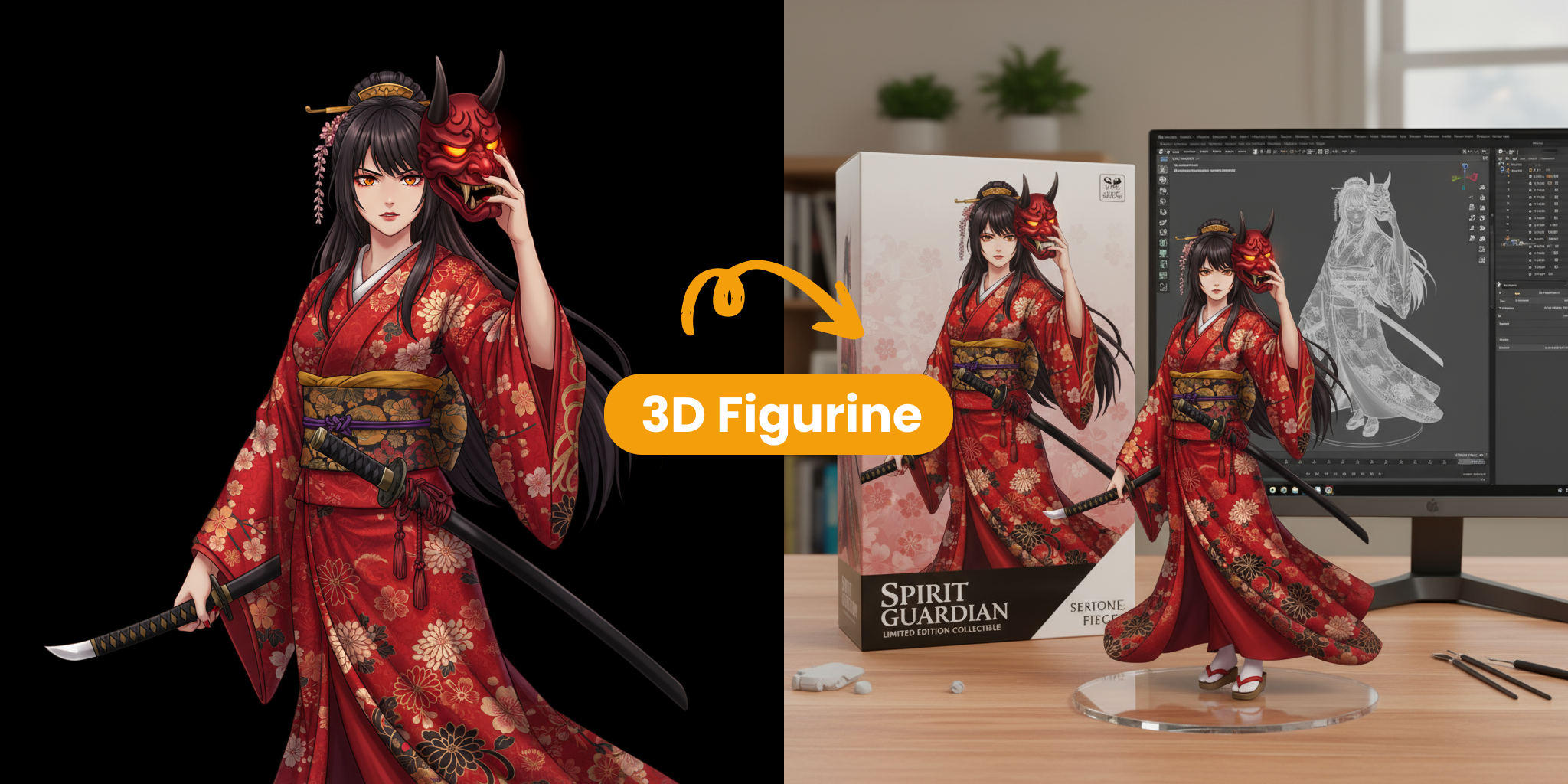
King AI Core Features
Explore the tools that power your image and video workflow:
Text-to-Image Creation
Describe what you want — a product shot, portrait, social graphic, or concept art — and King AI turns your prompt into a polished image. Add details like subject, scene, style, lighting, or mood to guide the result. Whether you are exploring a rough idea or building assets for a real project, it gives you a faster way to test and refine visual directions without starting from scratch every time.
AI Photo Editing
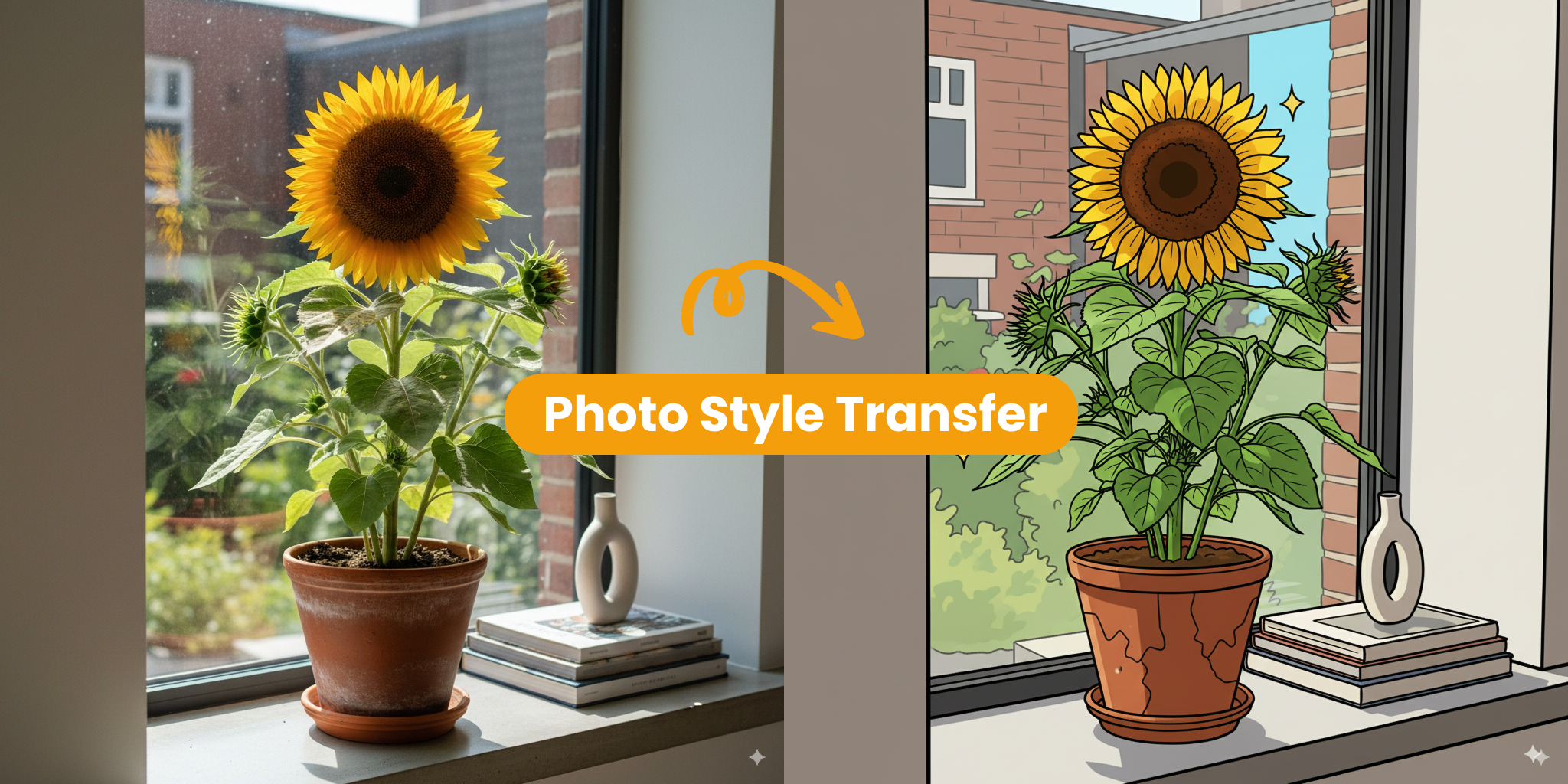
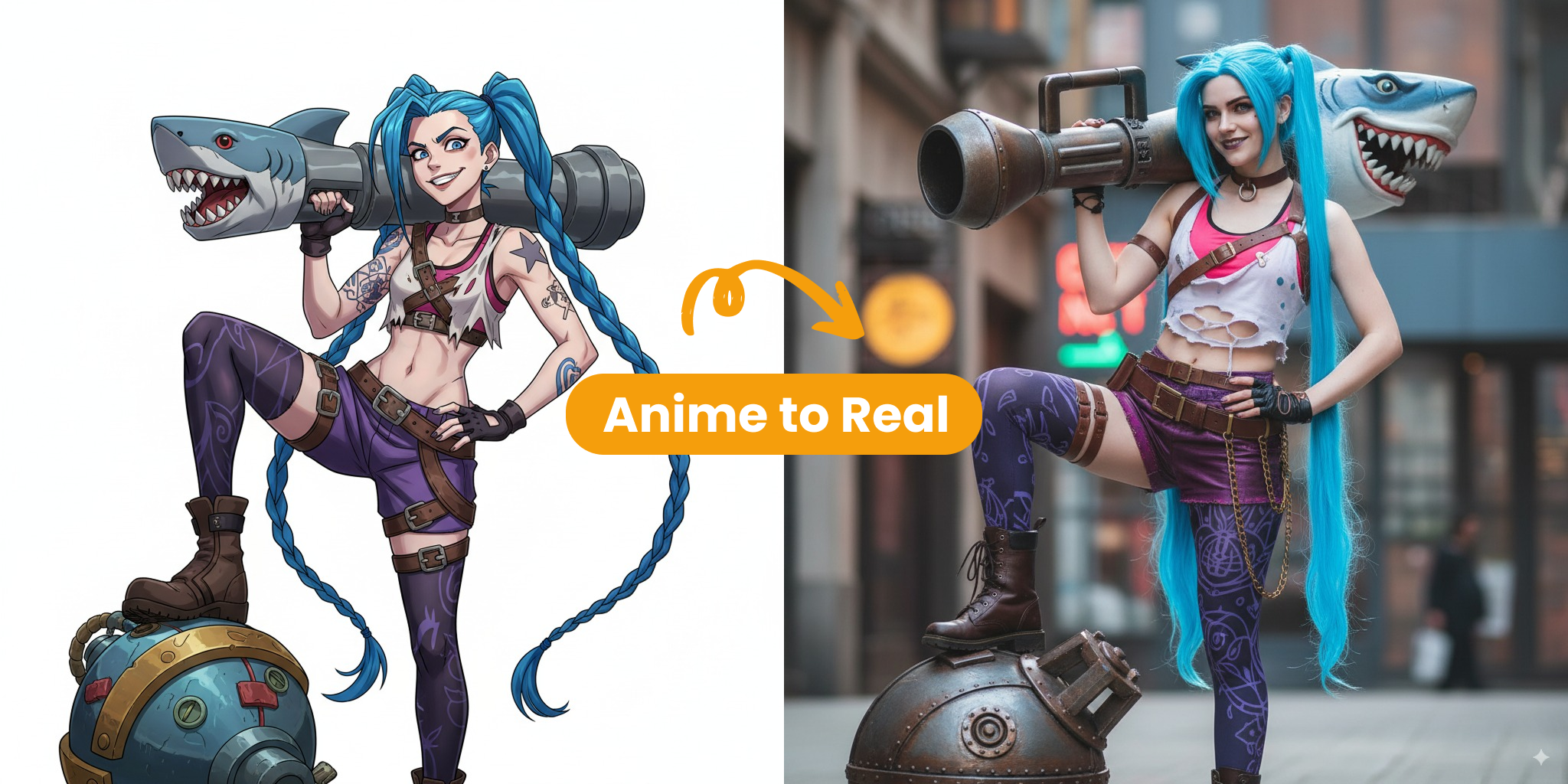
Already have an image that is close but not quite right? Upload it and describe what to change in plain language. Adjust backgrounds, styles, or specific details without using complex editing software. It feels more like giving creative direction than operating a technical tool — easy for beginners, and fast for experienced creators who need quick revisions during ideation.
AI Video Generation
Create videos from text or bring a still image to life. Describe the scene, motion, and mood — or upload a reference image — and King AI generates video content for social posts, ads, and product demos. When a static idea needs more impact, you can move from a written concept or a finished image to motion content in one connected workflow.
Flexible Prompt Control
Guide every result with simple prompts. Add details like camera angle, background, lighting, material, or brand style to steer the output. The clearer your instructions, the closer the result matches your creative intent. This makes it easy to explore different directions and keep improving without rebuilding everything from the ground up.
Easy Download & Share
Save your images and videos in formats ready for social media, websites, ads, or presentations. Your content is ready to use wherever you need it — whether you are publishing a post, updating a product page, or sharing a campaign concept with your team. No extra steps required before you put your work live.
Cloud-Based Platform
Everything runs in the cloud — no software to install. Create, edit, and generate from desktop, tablet, or phone, wherever you are. Your workflow stays the same across devices, so you can start an idea on one screen and finish it on another without missing a step or losing progress.
Get Started with King AI in 3 Steps
A simple guide to creating your first image or video:
Pick What You Want to Make
Choose image creation, photo editing, or video generation based on what you need.
Add Your Prompt or Image
Type what you want to create, or upload a picture if you already have a starting point.
Generate & Refine
Check the result, tweak your prompt if needed, then save and share when it looks right.
Powering Visual Creation with King AI
King AI brings image making, photo editing, and video generation together in one simple workspace.
Content Types
20+
Build product shots, portraits, social posts, campaign art, and short videos — all from one platform.
Fast Turnaround
Seconds
Go from a rough idea to a finished visual in moments, not hours.
Made for Daily Use
97%
Creators, marketers, and teams use King AI to produce content they actually publish.
Common Questions about King AI
Quick answers about using King AI — need more help? Reach out any time.
What is King AI?
King AI is a creative platform for people who need visual content on a regular basis. You can make images from text, edit photos you already have, and generate videos — all without switching between different apps. Everything stays in one workspace, so you can move from idea to finished visual with less back-and-forth and fewer tools to manage.
Why should I use King AI?
It saves time by keeping your whole creative process in one place. You can test ideas quickly, refine results with simple prompts, and turn a still image into a video when you need more impact. Whether you are making social posts, product visuals, or campaign assets, King AI helps you produce content faster without the usual friction between separate tools.
How can I get started with King AI?
Getting started is straightforward. Create an account, choose image creation, photo editing, or video generation, then enter a prompt or upload a picture. No design skills are needed — just describe what you want in plain language. Review the result, adjust your prompt if needed, and keep refining until the visual feels right.
Who is King AI for?
King AI is built for anyone who needs visual content often — creators, marketers, ecommerce teams, designers, and founders. If you make thumbnails, social posts, product images, campaign visuals, or short video clips, King AI gives you a faster way to go from a rough idea to something ready to publish, without a long setup or steep learning curve.
What makes King AI unique?
Most tools focus on just one task — either images, editing, or video. King AI connects all three in a single workspace. You can start with text and create an image, upload an existing photo and improve it, or turn a still visual into a video. Your ideas can grow step by step from draft to finished content without starting over in a new app.
Can I tailor the visual style?
Yes. You can guide the look by adding details in your prompt — such as style, mood, lighting, background, camera angle, or brand tone. The clearer and more specific your instructions are, the closer the output will match what you have in mind. This makes it easy to explore different directions and refine until the result feels right.